
Sunday, April 27, 2008
Taskbar Shuffle 2.5
Drag and drop your taskbar buttons and system tray icons to instantly reorder them. No need to get all nervous when a program crashes or if you need to reboot; you can reorder your programs exactly as they were. Version 2.2 includes an option to rearrange your tray icons, Vista support, and doesn't store settings in registry anymore.
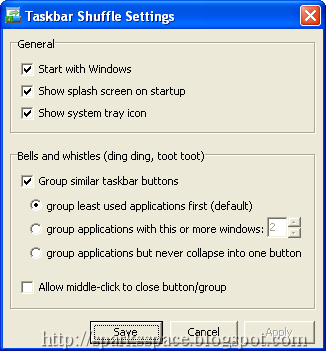
- Reorder your taskbar buttons by dragging and dropping them
- Reorder your tray icons in the same way
- Reorder tasks in a grouped button's popup menu in the same way
- Middle-click to close programs on your taskbar
- Works with UltraMon taskbars
- Tweak taskbar button grouping
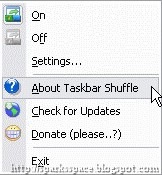
When you are taking screenshots of a portion of your desktop or just prefer to have two apps you are using sitting next to each other on the taskbar, it may be really frustrating that you can't move the taskbar buttons around. This utility very useful for this time

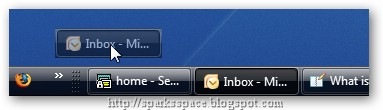
Once installed, you can simply drag and drop to reorganize the taskbar buttons.
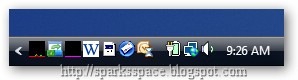
You can also hold down the Ctrl key and reorganize the tray icons… notice that the Outlook icon is in the middle here…
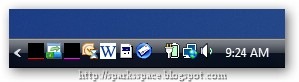
And after moving it now it's over on the right.


License:Free | System Req:Windows NT/2000/XP/Vista


0 Responses to “Taskbar Shuffle 2.5”
Post a Comment