
Saturday, September 13, 2008
0
Windows Service Pack Blocker Tool Kit
A blocking tool is available from Microsoft that would like to temporarily prevent installation of Service Pack updates through Windows Update.If you decide you don't want SP3, Microsoft offers a tool for suppressing the automatic installation of the service pack.
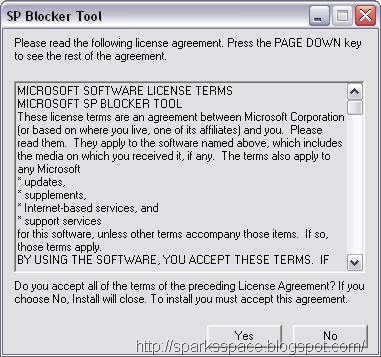
The Service Pack Blocker Tool Kit won't prevent you from downloading SP3 manually from the company's site, nor will it stop you from installing the patches from a CD or DVD. All it does is stop the service pack from being installed via Windows' Automatic Updates.
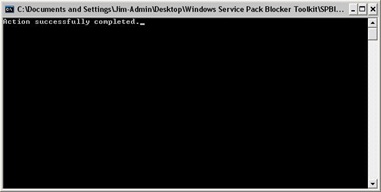
This tool can be used with:
- Windows Server 2003 Service Pack 2 (valid through March, 2008)
- Windows XP Service Pack 3 (valid for 12 months following general availability)
- Windows Vista Service Pack 1 (valid for 12 months following general availability)
 Windows Service Pack Blocker Tool Kit
Microsoft recommends four ways to remove SP3. You can use the following:
- Control Panel: Add or Remove Programs
- Hidden $NtServicePackUninstall$ folder
- System Restore
- Recovery Console


Subscribe to:
Post Comments (Atom)


0 Responses to “Windows Service Pack Blocker Tool Kit”
Post a Comment